One screen for the person in charge.
A personal assistant and dashboard built around how you run things: what needs you today, what is slipping and what is working. It reads and drafts. You press send.


Everything that needs you, on one screen.
Most days start in seven tabs: the calendar, the inbox, the CRM, a spreadsheet and whatever pinged overnight. The Command Center reads all of it before you are up and tells you what matters.


What clients say.

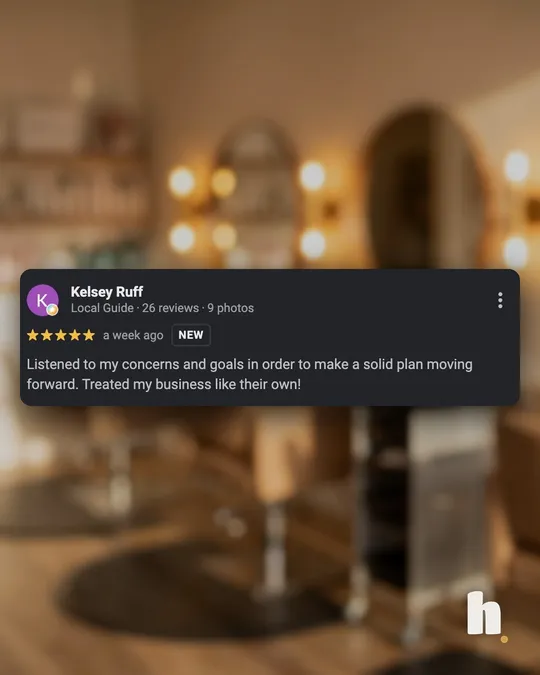
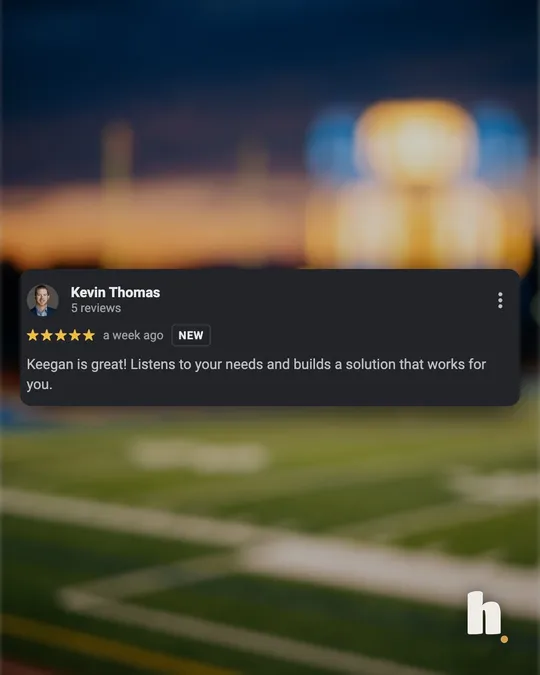

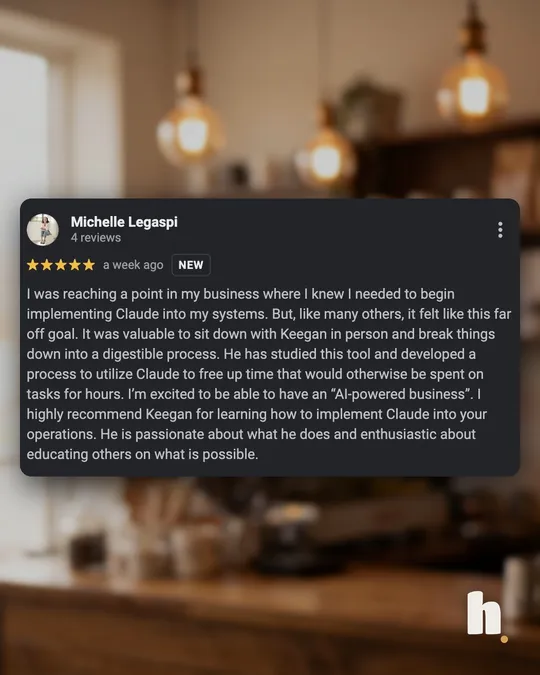
Real Google reviews, screenshotted as they are. Swipe for more.
Read them on Google ↗How it works.
-
01We talk
An hour together, over coffee or a call: how your day actually runs, what slipped last month, the numbers you check by hand. The same day, you get a proposal with what we would build and the price.
-
02One fixed price
$2,500, agreed before anything starts. Half to start, half at launch.
-
03We build it
Week 1, we connect your Google account with you, read only, and you have a working version on your real day, built around your numbers and written in your voice. Week 2, you try it and we adjust as you go. Week 3, we launch.
-
04You are live
Your brief is waiting at 6:30 every morning. The week after launch, $297 a month keeps it running.
One price to set it up. Then it runs.
$2,500 to set it up, and the price does not move. Then $297 a month keeps it running. It is yours to keep.
An hour, over coffee or a call. We will tell you if it is worth it for you.
Want a system for the whole team instead? That is a Build, starting at $5,000. See every Handled price on one page.
Common questions.
How much does the Command Center cost?
The Command Center is $2,500 to set up, then $297 a month. It reads your inbox and calendar and writes drafts. It never sends, deletes or pays for anything.
Can it send emails for me?
No, and that is on purpose. It reads your inbox and calendar and writes drafts. You open the draft in Gmail and press send yourself. It cannot send, delete, accept an invite or move money. Those buttons do not exist in it.
What does it connect to?
Google Workspace: your Gmail and calendar, read only, plus one source for your numbers: a spreadsheet, Stripe or HubSpot. Each extra source is $500. Your finances (cash, money in and out, what is coming up) come from a simple sheet you or your bookkeeper keep. Personal Gmail is not supported yet, and Microsoft 365 is quoted separately.
How long does setup take?
About three weeks to launch. Week 1, we connect your accounts with you and you get a working version. Week 2, you use it and we adjust. Week 3, we launch. Half the $2,500 to start, half at launch, and the $297 a month starts the week after.
What does the $297 a month cover?
The AI usage (about $20 of it, capped so it never surprises you), fixing a broken connection by the next business day, up to two small changes a month done within 48 hours, a check every morning that it ran, a one-line note each month, and a 20-minute tune-up every quarter. A new panel or a new tool to connect is quoted as its own project.
Who can see my data?
Only what you connect, and every connection is read only. It runs on accounts you own and is not used to train anything. Disconnect it from your Google account and it stops that minute.
What happens if I cancel?
It stops at the end of the paid month. The assistant stops, but the dashboard stays on your account and your saved briefs and notes keep working. We hand you a one-page guide to run the AI on your own key, and set it up once for free if you ask within 30 days.
Can it sound like me?
Yes. Your brief is written the way you talk, blunt, warm or formal, in your brand colors. Give it a name if you want one.
Want your mornings back?
An hour, over coffee or a call. Walk us through the first hour of your day, and we will tell you whether a Command Center fits, even if the answer is no. No sales pitch.
Not ready to book? Send a message